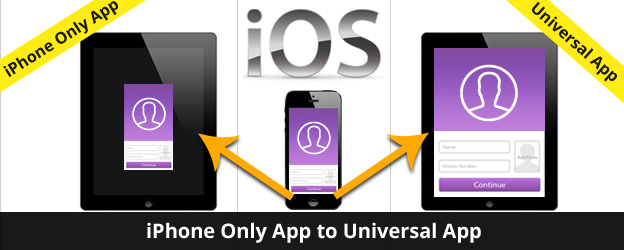
iOS Application can be developed for iPhone or iPad or Both (iPhone and iPad). Application that is developed for both is called Universal application.
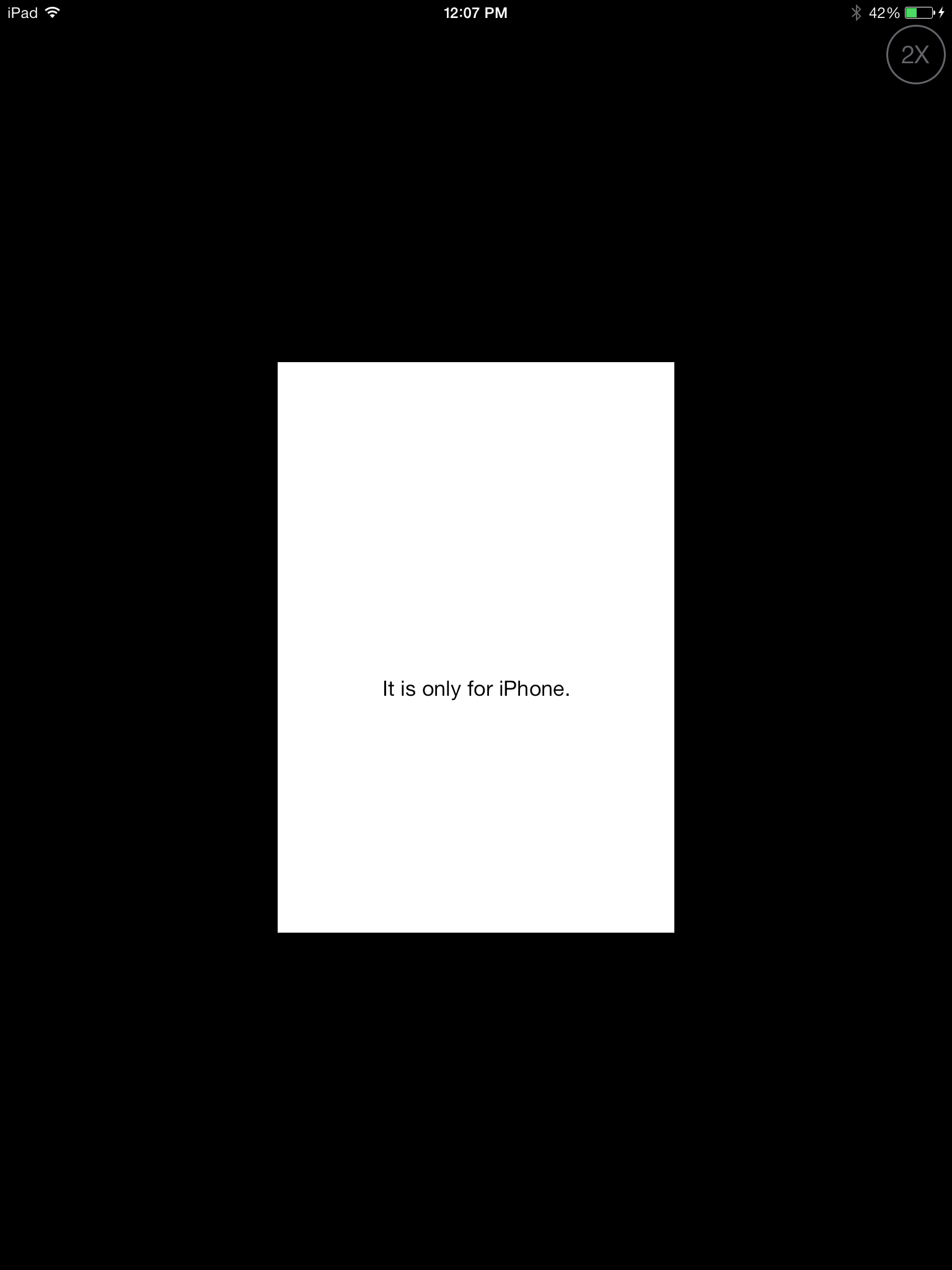
If you have developed application for iPhone only then it will run on iPad but will not run on full screen of iPad. To make this application cover the whole screen you have to convert iPhone application to Universal application that runs on both iPhone and iPad.
If your application is iPhone only. it will look like below in iPhone and iPad:

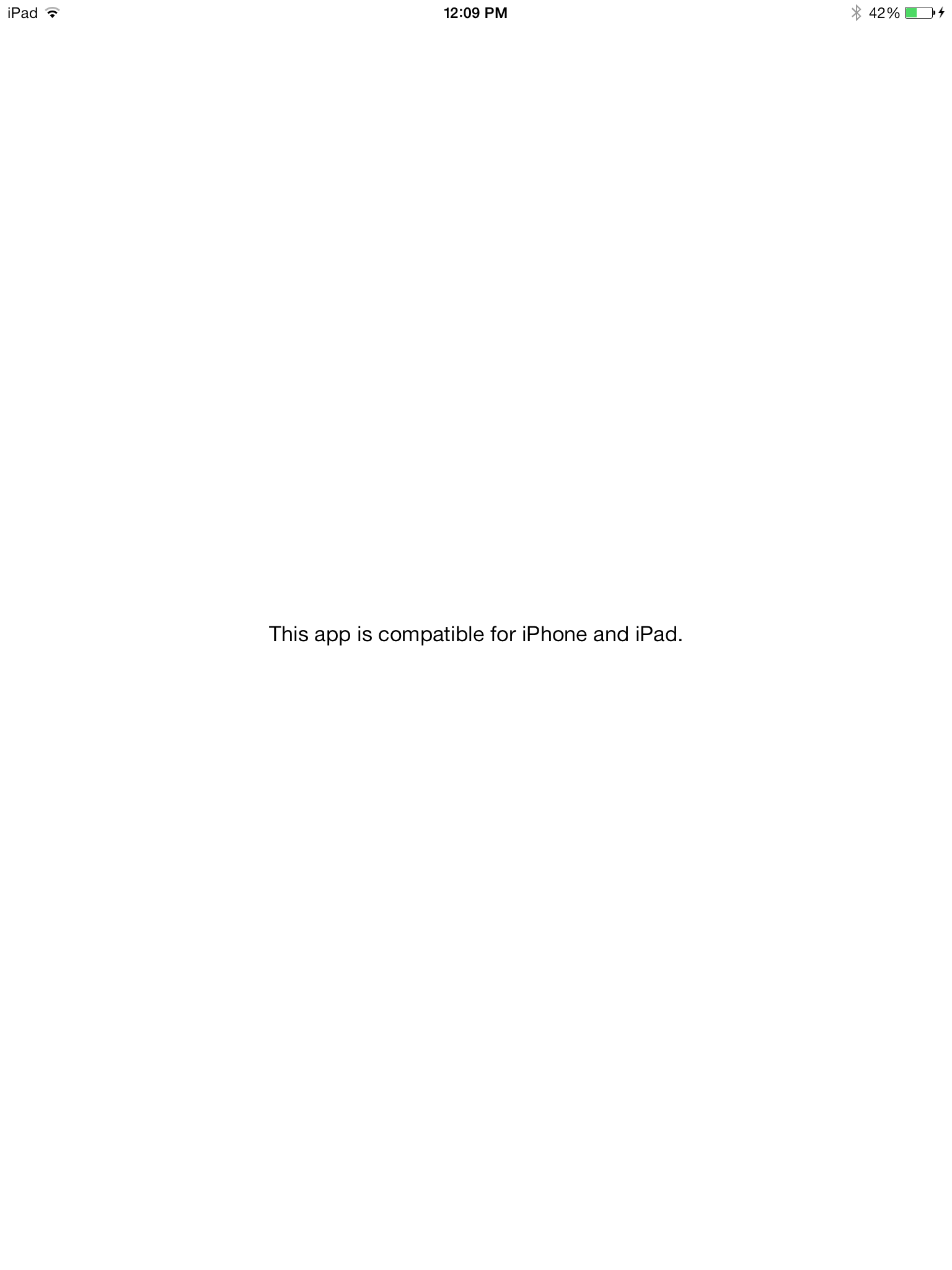
After making application universal, it looks like this:
You can do easily by following steps below:
- Open application in Xcode. Select Project Navigator.
- Select your Project Target.
- In Deployment Info section, select Devices. Here you will see 3 options – iPhone, iPad and Universal. Change from iPhone to Universal.
- It will prompt you an alert Copy “Main” to use
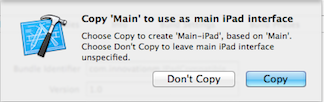 as main iPad interface. It is prompting to use the name of the Storyboard (Main here) to create another iPad group. Normally, you would select to copy.
 - It will add new iPad group.
- Add new Storyboard file under the iPad group in Project Navigator. Name it Main_iPad.storyboard.
- Change name of iPhone storyboard as Main_iPhone.storyboard from Main.storyboard.
- Update entry in plist. Main storyboard file base name – Main_iPhone
- Add entry in plist. Main storyboard file base name (iPad) – Main_iPad.Now add your controller, outlet, action to Main_iPad.storyboard.
- Make changes to Main_iPad.storyboard to make it utilize the complete screen. This would involve making changes in position, height and width of components.
- Also, you need to provide images for iPad.
Now you have made your application universal (iPhone and iPad).
Have fun…
For building world-class iOS solutions, contact sales@innovationm.com