
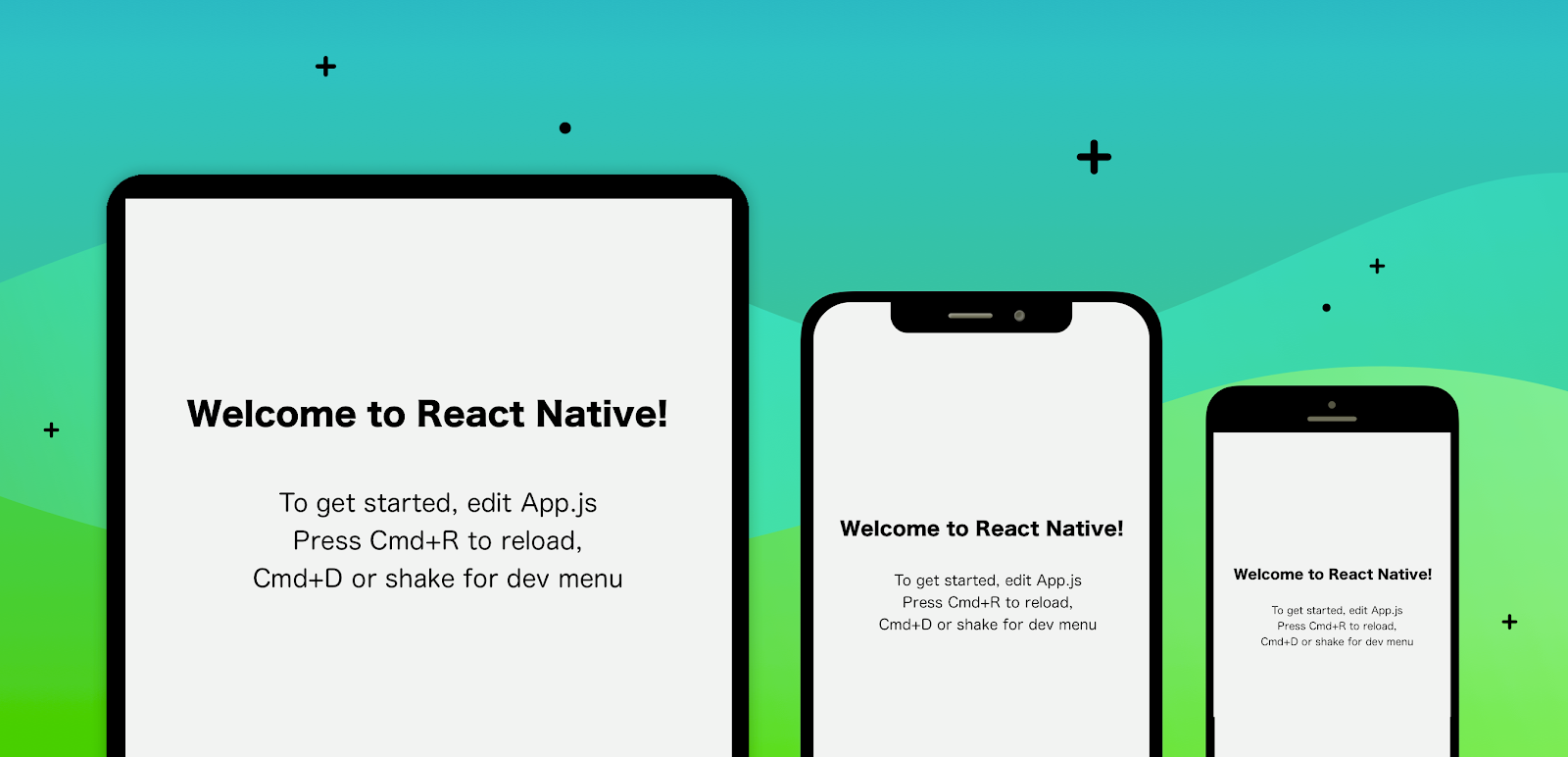
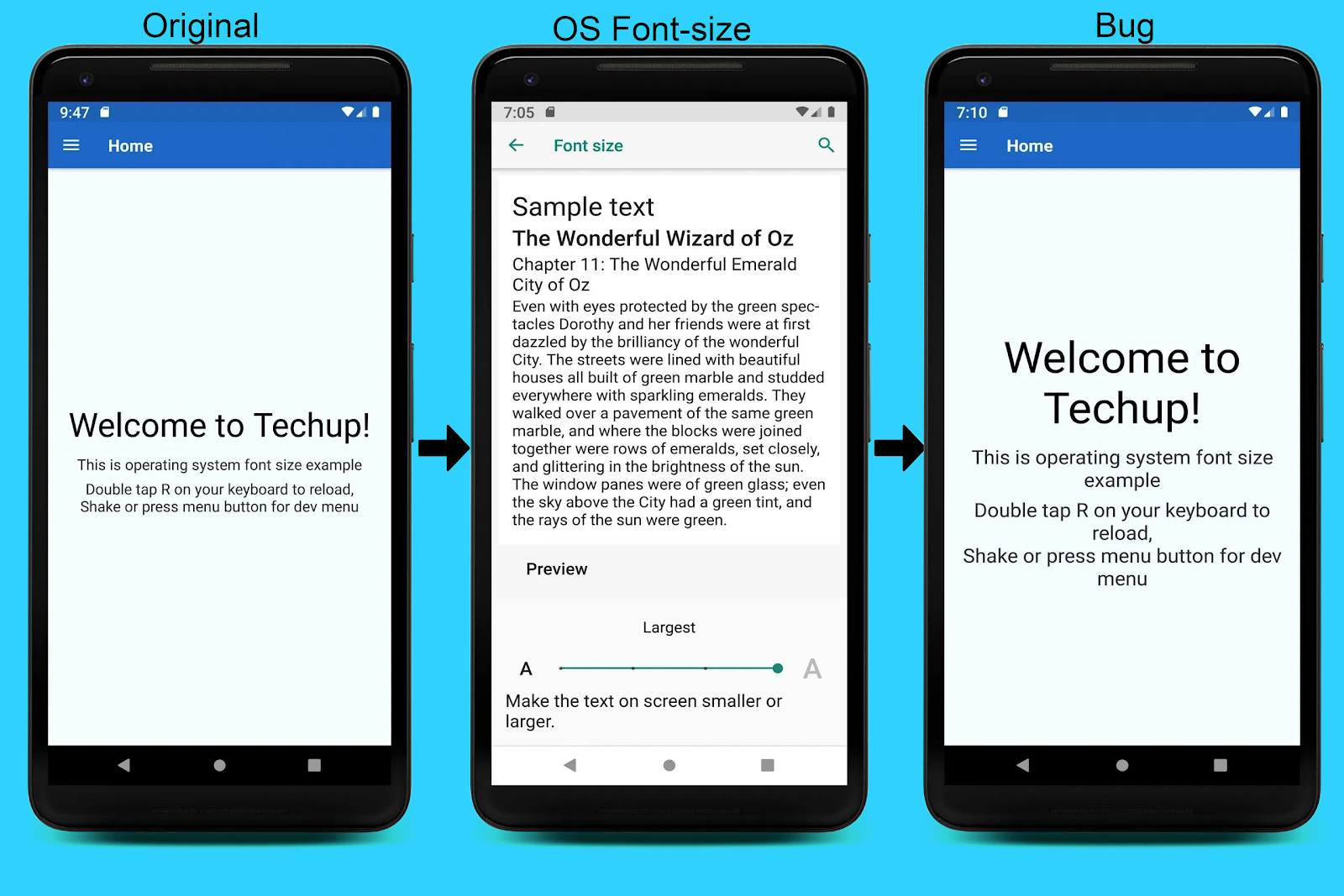
You may have occurred with the problem of font sizes not adjusting according to the screen size. Smart devices are coming in a number of sizes, from tablet to small smartphones. The ios and android have different pixel ratios too. If you are defining the font sizes in pixels then the size may vary from device to device as the pixel of every device is different. So we have to define every font according to the device pixel density and dimensions of the device.
React Native provides two API for the dimension of the device and a pixel density of the device.
Now we have to do some math to calculate the required font size.
The minimum width and minimum height of available devices are 375 and 667mm respectively.
So we put them in a constant.
const baseWidth = 375;

const baseHeight = 667;
Now we will calculate the scale using the baseWidth.
const scale = SCREEN_WIDTH / 320;
We have to create a function to calculate the font of the device.
export function normalize(size) {

  const newSize = size * scale

  if (Platform.OS === 'ios') {

    return Math.round(PixelRatio.roundToNearestPixel(newSize))

  } else {

    return Math.round(PixelRatio.roundToNearestPixel(newSize)) - 2

  }

}
This normalise function is exported to calculate the font sizes.
Demonstrating an example below:
import { Dimensions, Platform, PixelRatio } from 'react-native';

const {

  width: SCREEN_WIDTH,

  height: SCREEN_HEIGHT,

} = Dimensions.get('window');


const scale = SCREEN_WIDTH / 320;

export function normalize(size) {

  const newSize = size * scale

 if (Platform.OS === 'ios') {

    return Math.round(PixelRatio.roundToNearestPixel(newSize))

  } else {

    return Math.round(PixelRatio.roundToNearestPixel(newSize)) - 2

  }

}
Usage example :
const styles = {

  mini: {

    fontSize: normalize(12),

  },

  small: {

    fontSize: normalize(15),

  },

  medium: {

    fontSize: normalize(17),

  },

  large: {

    fontSize: normalize(20),

  },

  xlarge: {

    fontSize: normalize(24),

  },

};
We can import this function and can use it to define fonts where we want.